On this page
Key takeaways
- Instagram never tells anyone who visited their profile, posts or reels.
- It names signed-in accounts that watch a story, a fresh highlight or a live video.
- Looking without an account leaves no name to record.
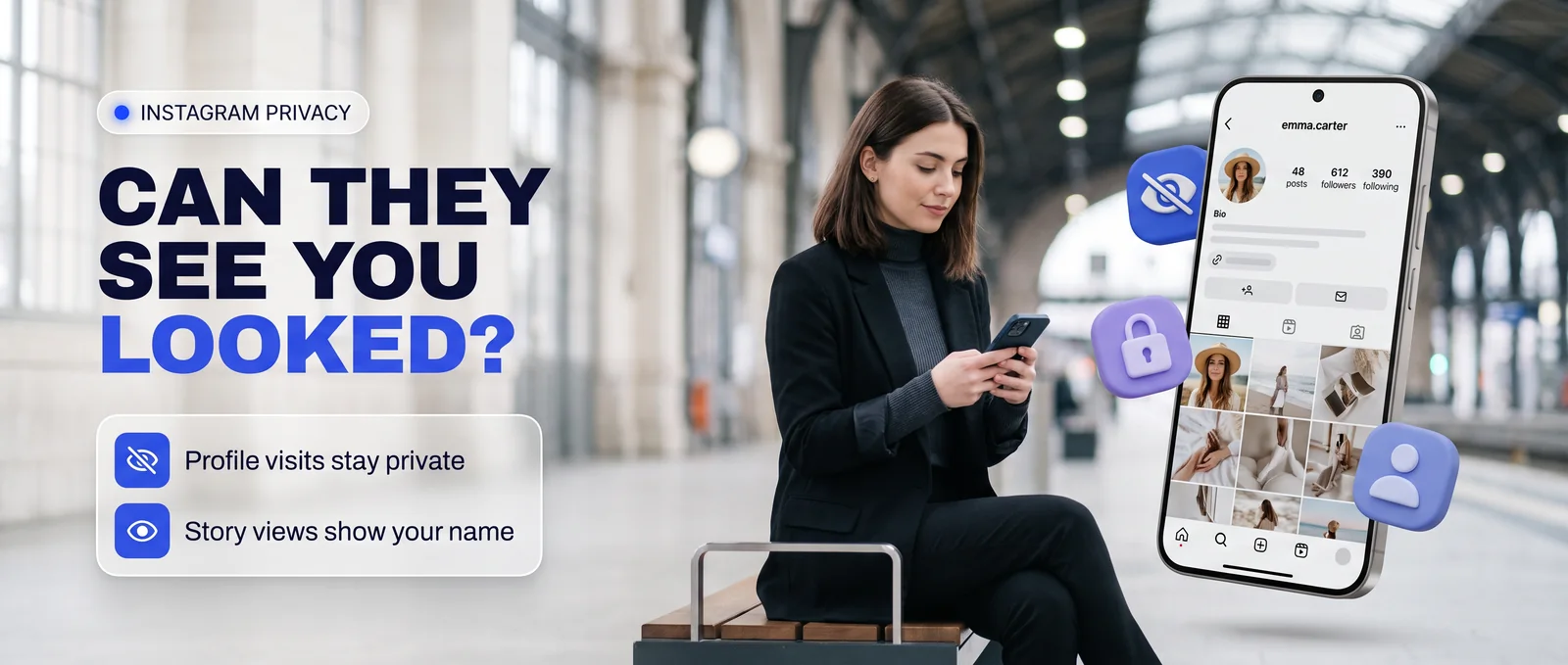
The short answer: Instagram never tells anyone who looked at their profile, their posts or their reels. It does show the names of signed-in accounts that watched a story, a fresh highlight or a live video. Everything else you do on a public account stays on your side.
Profile visits
Never shown
Opening someone's profile sends them nothing. There is no visitor list, no counter and no notice, whether you are signed in or not. Apps that promise to show "who viewed your profile" cannot get this data from Instagram, because Instagram does not keep it for owners to see.
Want to look at a profile now? The Instagram profile viewer opens it with no account of yours involved.
Stories
Name listed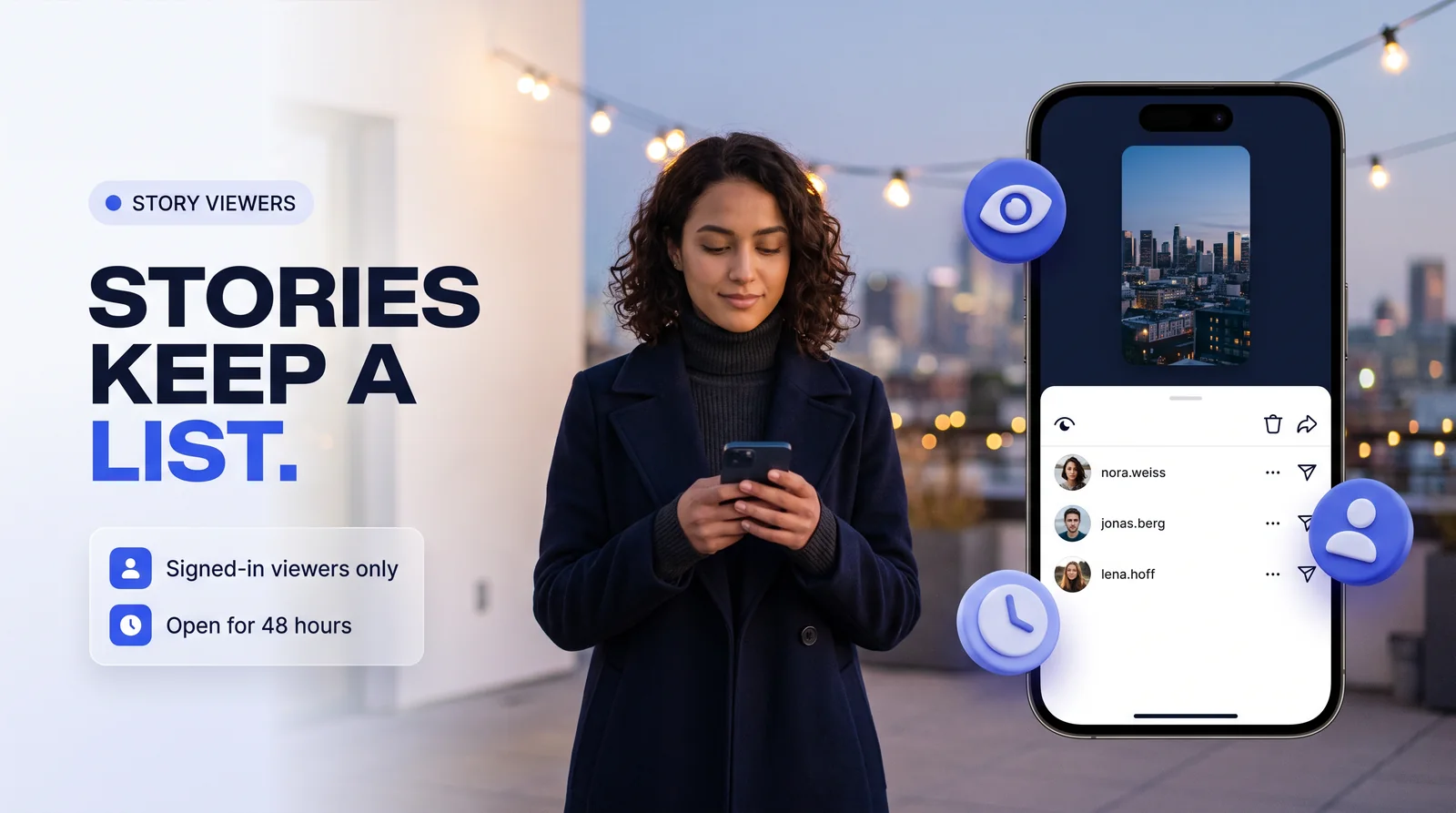
A story keeps a viewer list. When a signed-in account watches it, that account's name joins the list, and the owner can open it for 48 hours after posting. The story itself disappears from the profile after 24 hours unless it is saved to a highlight.
- Watching while signed in: your name is listed.
- Watching through a viewer that uses no account of yours: nothing is listed, because there is no name to record.
- Replying or reacting to a story: the owner sees it in their messages.
Drag through a story's life
The full detail is in how Instagram story views are recorded.
Highlights
Listed for 48 h
A highlight is a saved story. If you watch it within 48 hours of the original post while signed in, your name appears on the same viewer list. After 48 hours, highlight views are no longer listed by name.
Posts, reels and carousels
Never named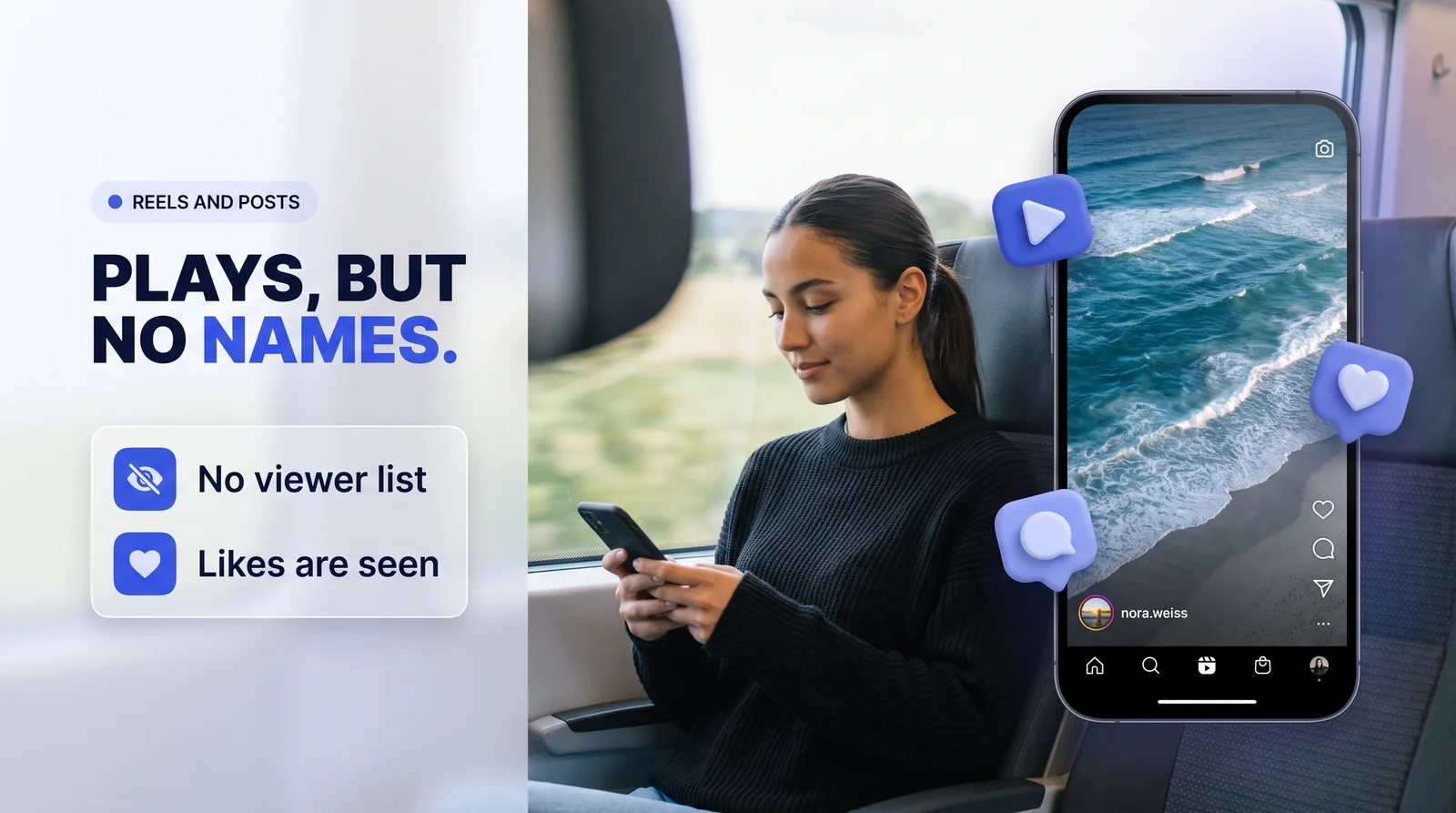
Feed posts and reels have no viewer list. A reel shows a play count, but the count never names anyone. What the owner does see is a like, a comment or a share.
Live videos
Host sees you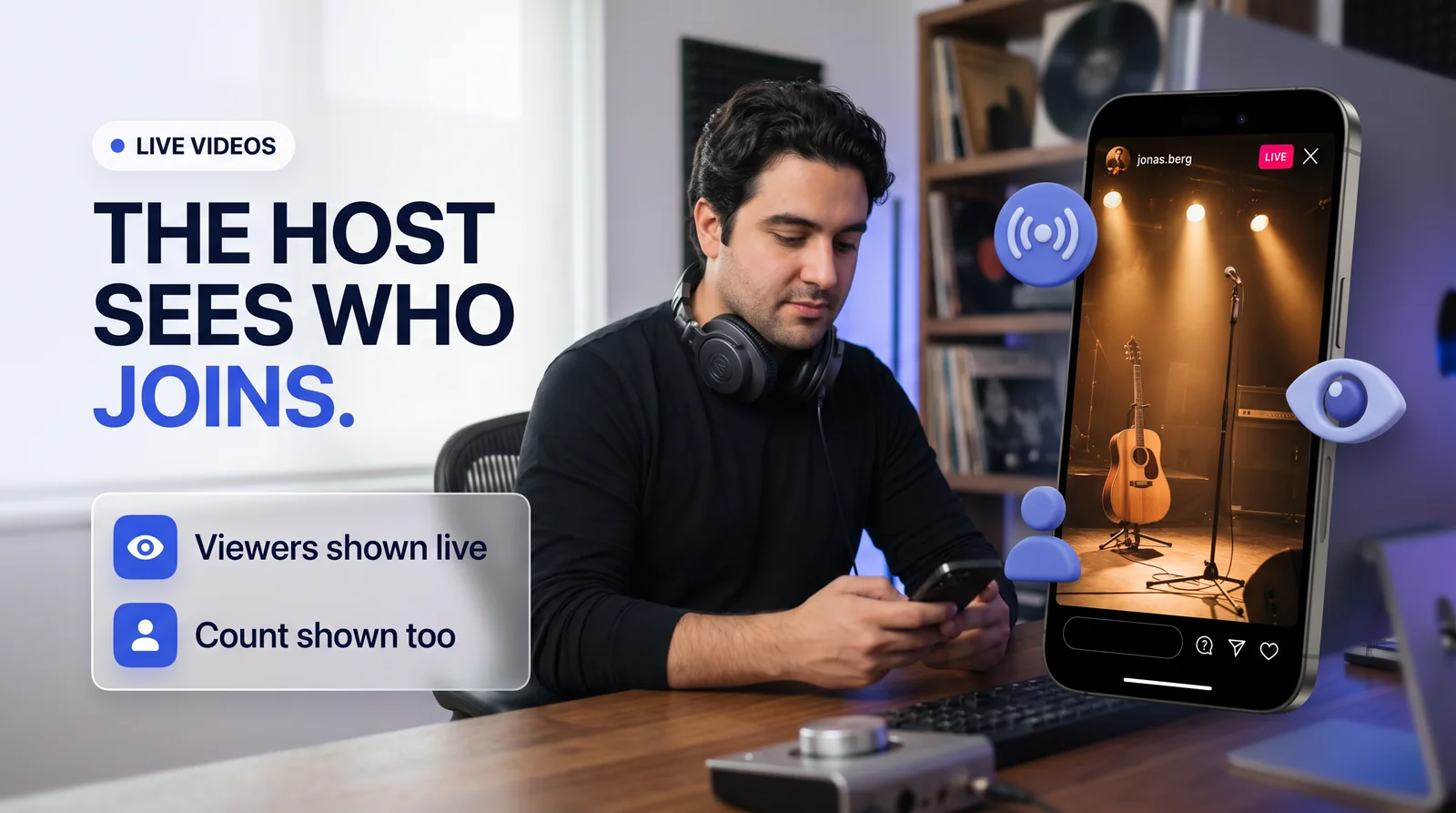
A live video shows the host the accounts watching in real time, and the count of viewers. Joining a live while signed in puts your name in front of the host while you watch.
Direct messages
"Seen" shownMessages show "Seen" once you open them, unless you have turned read receipts off. Photos and videos sent to disappear also tell the sender if you replay them or take a screenshot.
Screenshots
Mostly no notice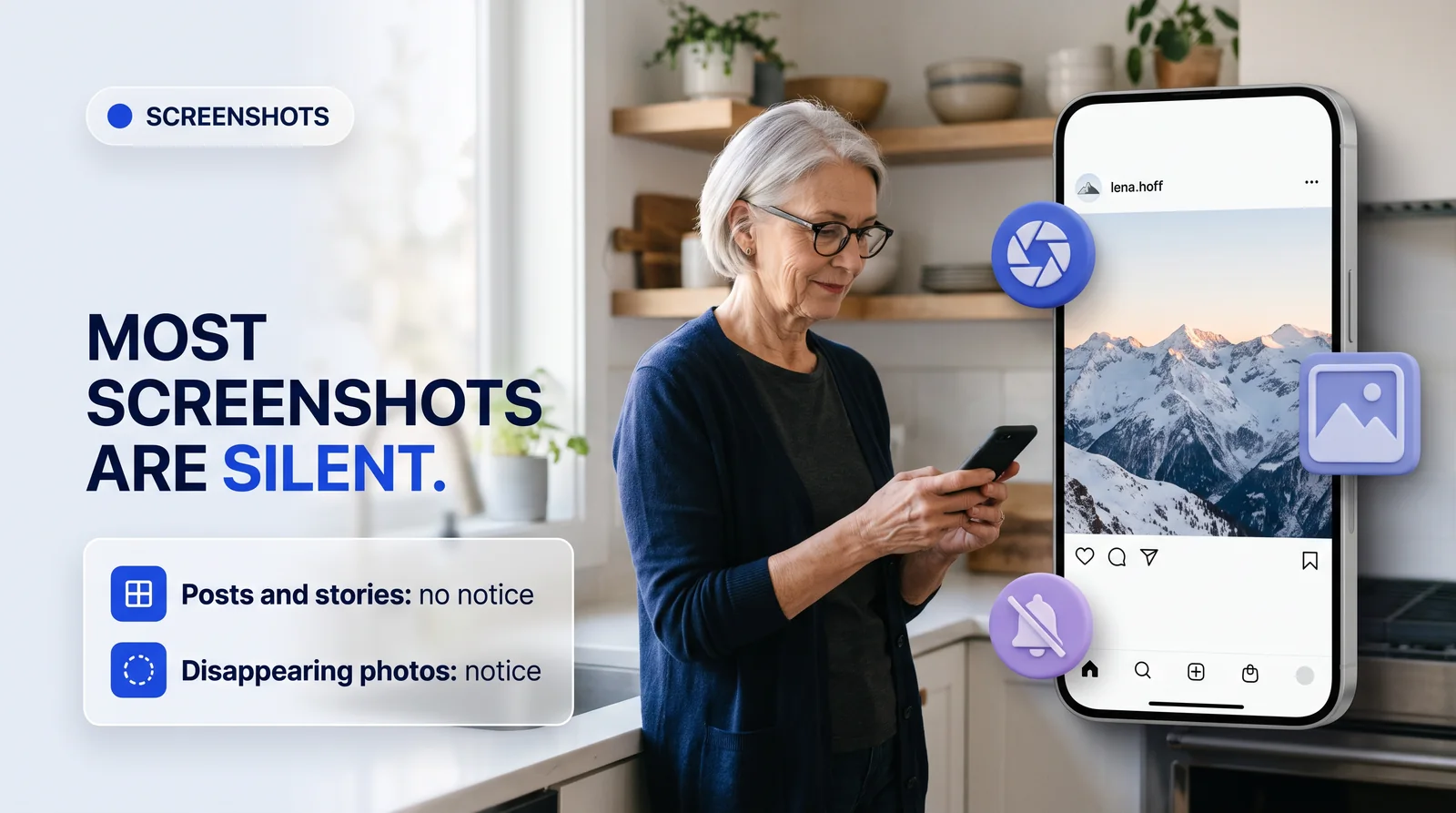
Instagram does not notify anyone when you screenshot a post, a reel, a profile or a regular story. The only screenshot notice covers disappearing photos and videos in direct messages.
"Who viewed my profile" apps
Avoid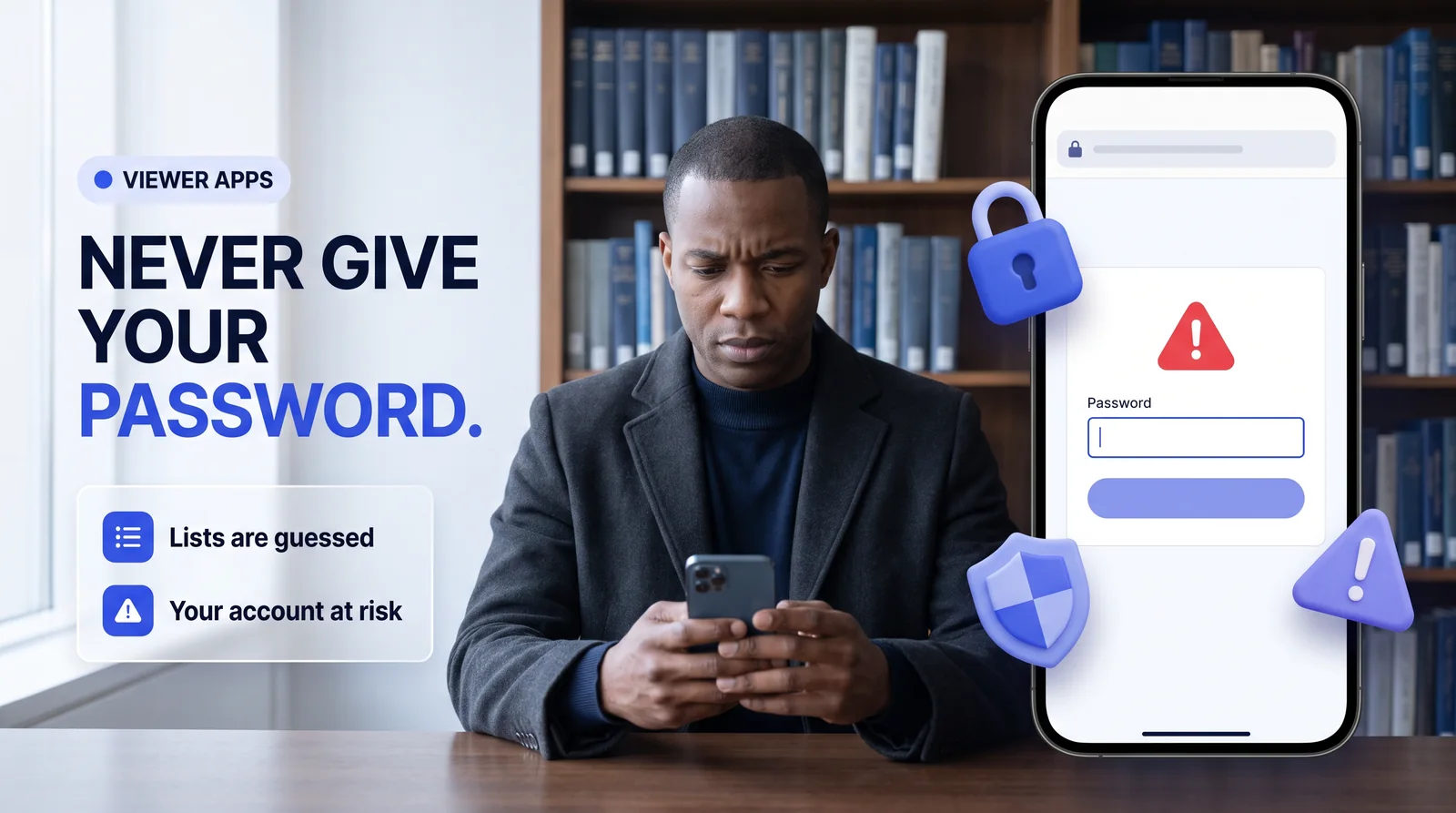
These apps guess from likes and comments, or show invented lists. Instagram does not give any outside app a list of profile visitors.
To check an account properly instead, see how to read an Instagram profile like an analyst.
How to look without leaving your name
Public accountsFor a public account, open it without signing in: on UnseenProfile, the profile, its numbers and latest posts open with no account involved, and the story viewer plays stories without adding you to the list. A private account stays closed to everyone the owner has not approved.
Side by side
| Action | Signed in to Instagram | Through UnseenProfile |
|---|---|---|
| Visit a profile | Never shown | Never shown |
| Watch a story | Name listed | Not listed |
| Watch a fresh highlight | Name listed | Not listed |
| Watch a reel | Play count only | Not counted to you |
| Join a live | Host sees you | Not joined |
| Like by mistake | Owner sees it | Not possible |
Myth or fact?
Tap a card to see the answer.
Sources
Instagram's own descriptions of story viewer lists, read receipts and screenshot notices, as of November 2026. Instagram changes features often, so the date at the top shows when this page was last reviewed.
- Instagram Help Center: How to tell who's seen your Instagram story
- Instagram Help Center: Who can tell that you've seen their Instagram story
- Instagram Help Center: View someone's live broadcast on Instagram
- Instagram Help Center: Manage read receipts for your chats on Instagram
- Instagram Help Center: See the status of a disappearing photo or video you have sent