On this page
Key takeaways
- Handles are unique; display names are not.
- A handle has up to 30 letters, numbers, periods and underscores.
- Copies usually change one character, so check every one.
In short: search by the handle after the @, not the display name. Every handle is unique, follows a few simple rules, and copies usually give themselves away with one changed character.
Handles and display names
Names repeat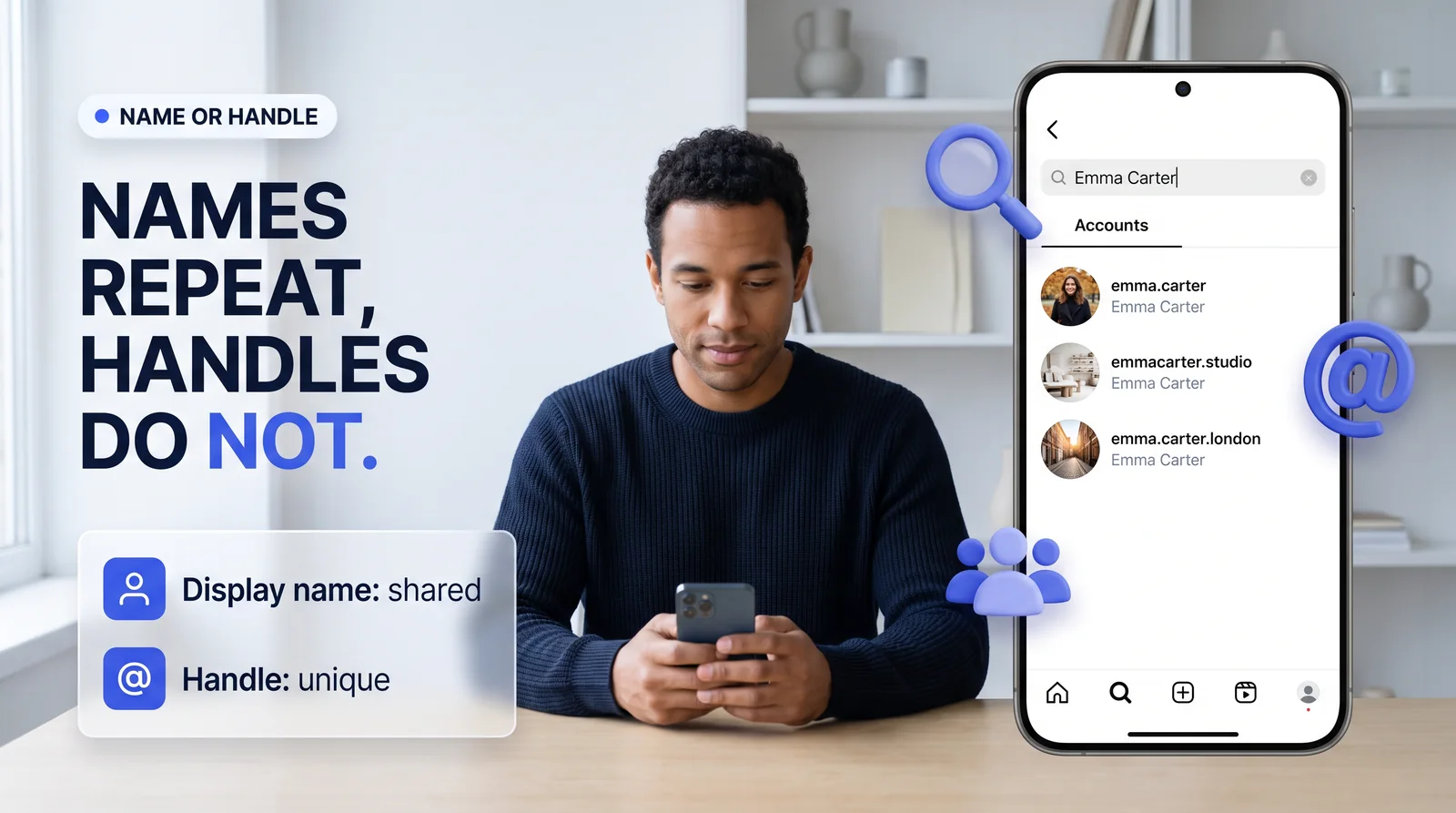
Every Instagram account has two names. The display name, such as Emma Carter, is free text that any number of accounts can use. The handle after the @, such as emma.carter, is unique: no two accounts can hold it at the same time. Searching a display name gives you a list to choose from; searching the exact handle gives you one account.
The handle rules
30 characters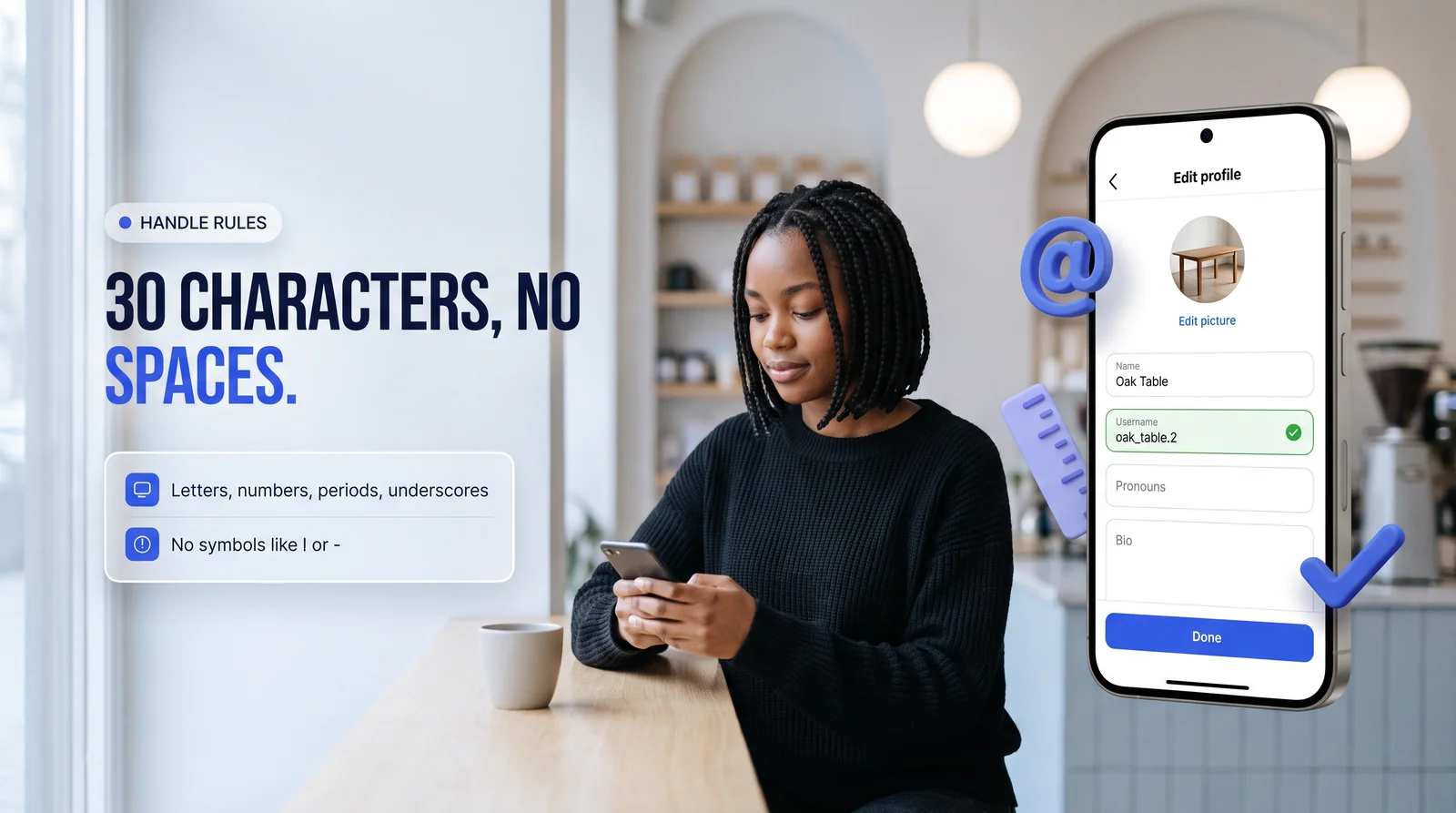
A handle has up to 30 characters, and only four kinds are allowed: letters, numbers, periods and underscores. Spaces, hyphens and other symbols are not. Capital letters do not matter, so Emma.Carter and emma.carter are the same handle. Type one below to see whether Instagram would accept it.
Searching in the app
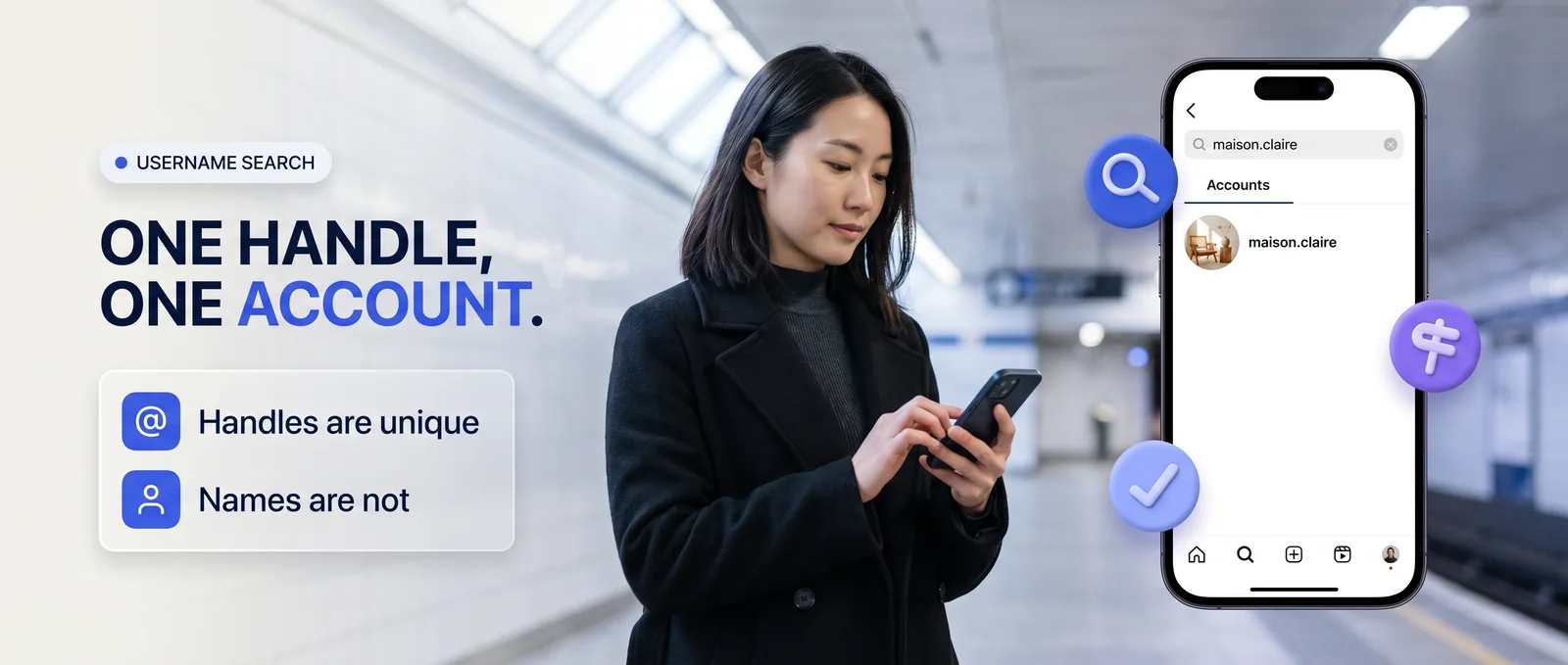
Tap Accounts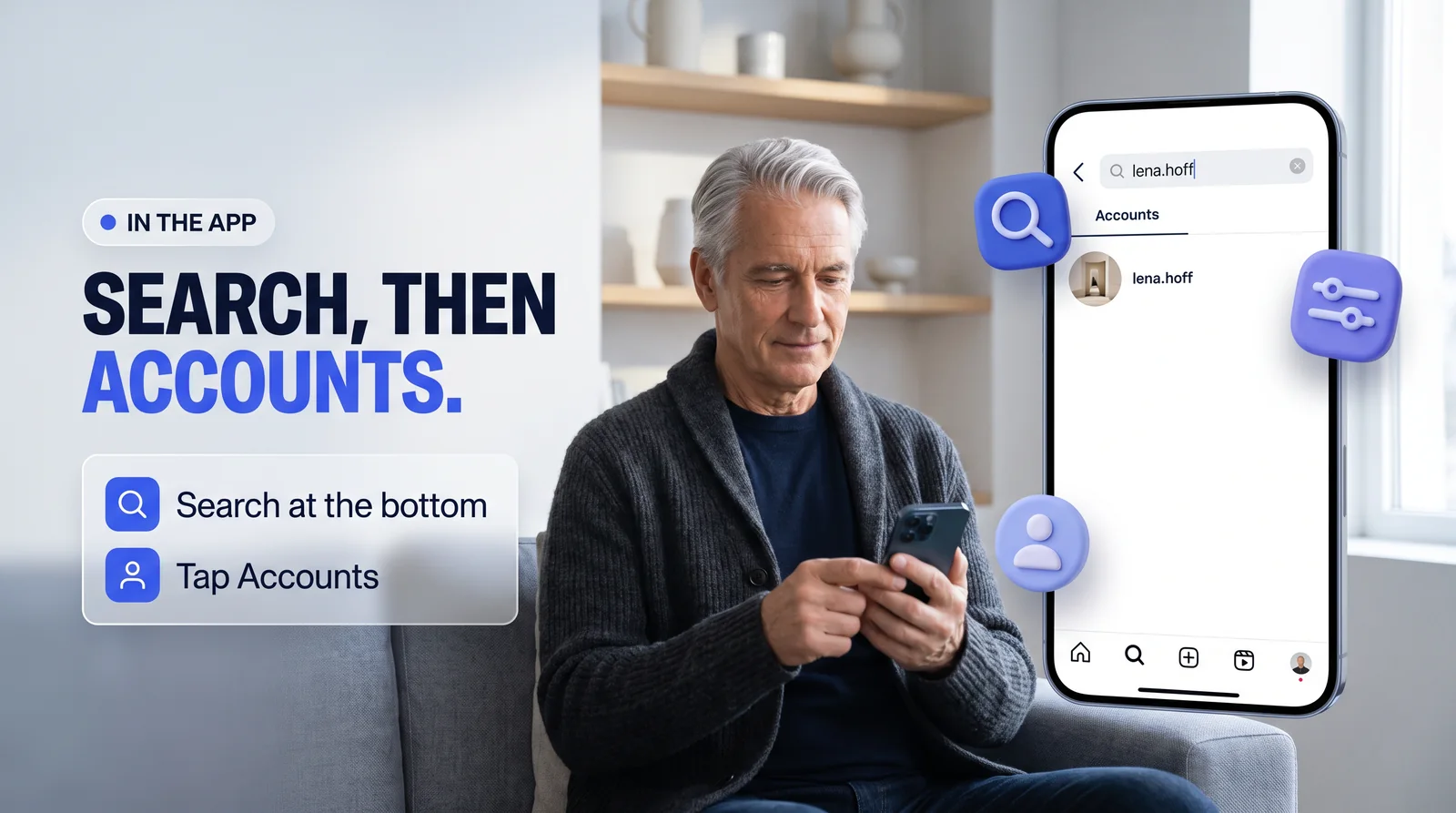
- Tap Search at the bottom of the app.
- Tap the search bar and type the handle.
- Tap Accounts under the bar, so the results show only people and pages.
- Open the result whose handle matches exactly.
Prefer not to sign in? The username search opens the public profile behind any handle.
Spotting a copy
Check closely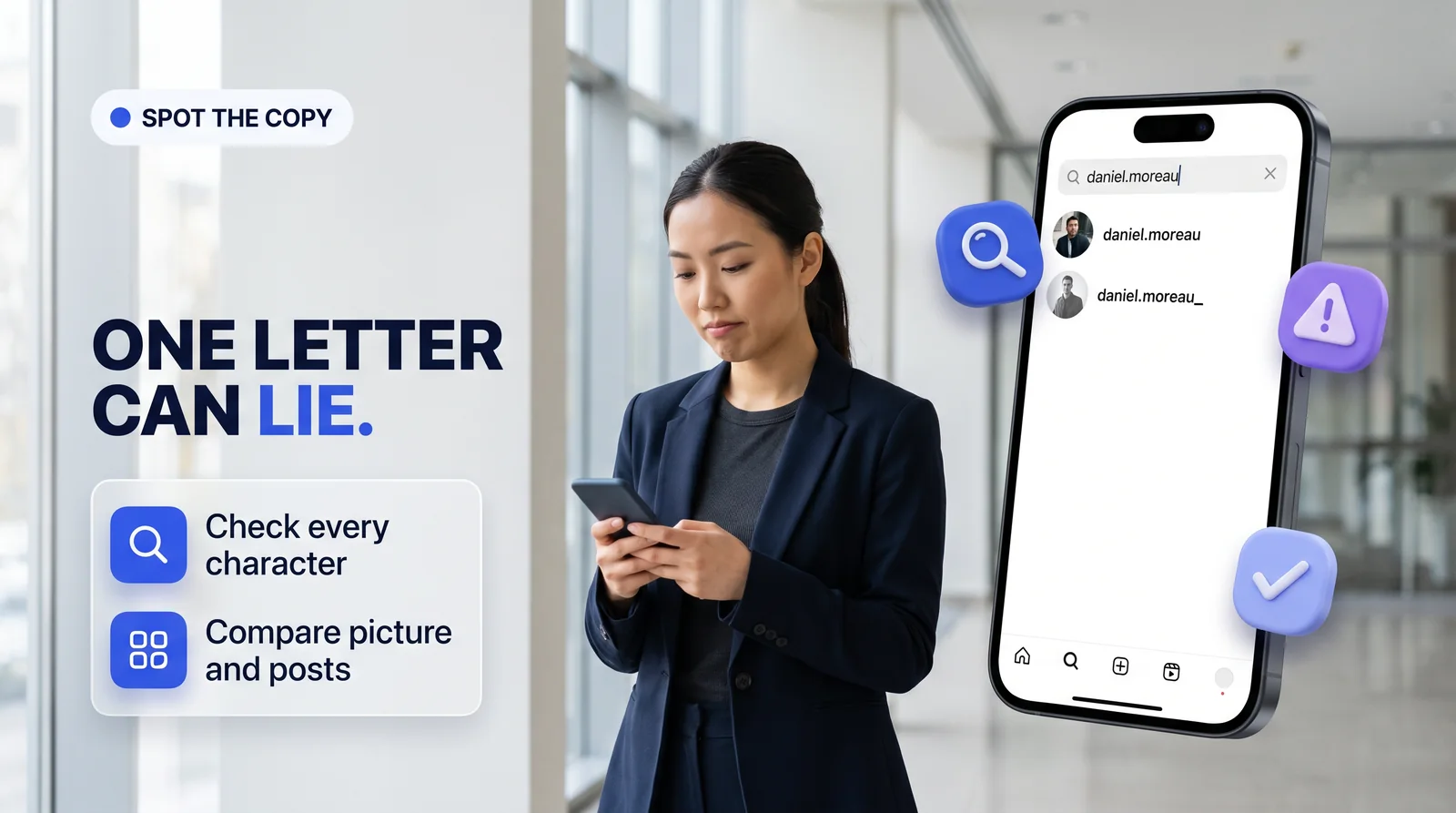
Copies of real people and shops usually change a single character: an underscore at the end, a doubled letter, a capital i where an l should be, or a word such as official added. Read the handle character by character, then compare the picture, the posts and how long the account has been posting.
daniel.moreauThe real account.
daniel.moreau_An underscore added.
danieI.moreauA capital i in place of an l.
daniel.moreau.officialA word added to look real.
Once you have the right account, read its numbers like an analyst to see whether its audience is real.
When an account cannot be found
Four reasons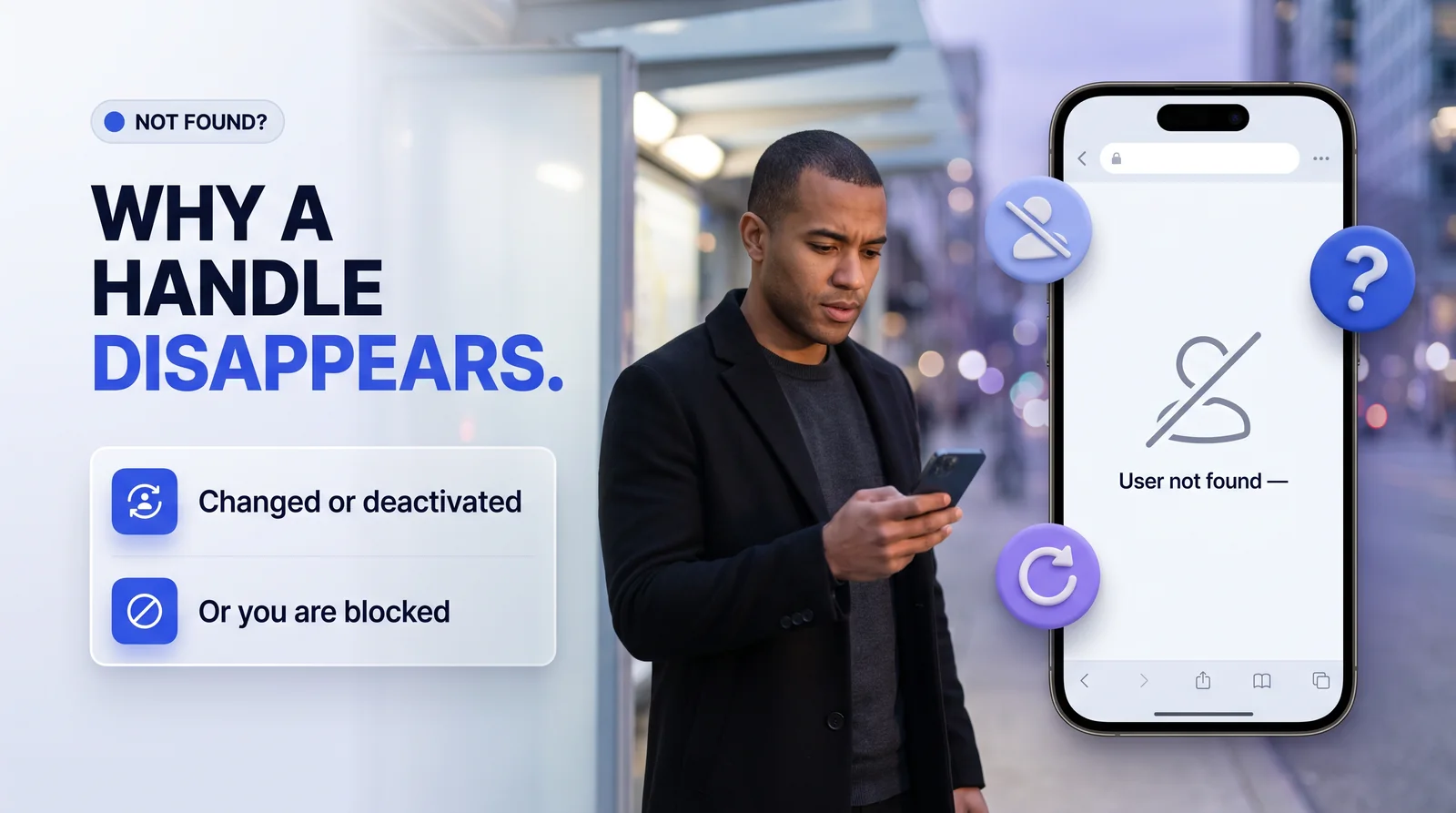
If a handle you know returns nothing, there are four usual reasons:
- A typo: check periods and underscores first.
- The owner changed the handle; the old one may now be free or belong to someone else.
- The account was deactivated or deleted.
- The owner blocked you. Logged out, a blocked account still shows normally.
Only know the name?
Follow the links
If you only know a person's name, search it in the app with a city, school or company to narrow the list. Better still, check their other profiles: people link Instagram from TikTok, X, LinkedIn or a personal site, and that link carries the exact handle. Then look it up on username search to open the public profile without signing in.
Side by side
| Example | Valid handle? | Why |
|---|---|---|
| studio.lena | Yes | Letters and a period |
| oak_table.2 | Yes | Letters, underscore, period, number |
| emma carter | No | Contains a space |
| maison-claire | No | Hyphens are not allowed |
| Emma.Carter | Same as emma.carter | Capitals are ignored |
Myth or fact?
Tap a card to see the answer.
Sources
Instagram's published rules for usernames and the way its search and profile pages behave, as of November 2026. Instagram changes features often, so the date at the top shows when this page was last reviewed.
- Instagram Help Center: How to change your Instagram profile information
- Instagram Help Center: Impersonation accounts
- Instagram Help Center: Differences between public and private accounts on Instagram