Viewers / Profiles

Instagram username search

Find the right public Instagram account from a name or a handle, with no login: the rules every username follows, how to tell the account you want from a look-alike, and what a verified badge does and does not confirm.

Emma Carter@emma.carter · Example account
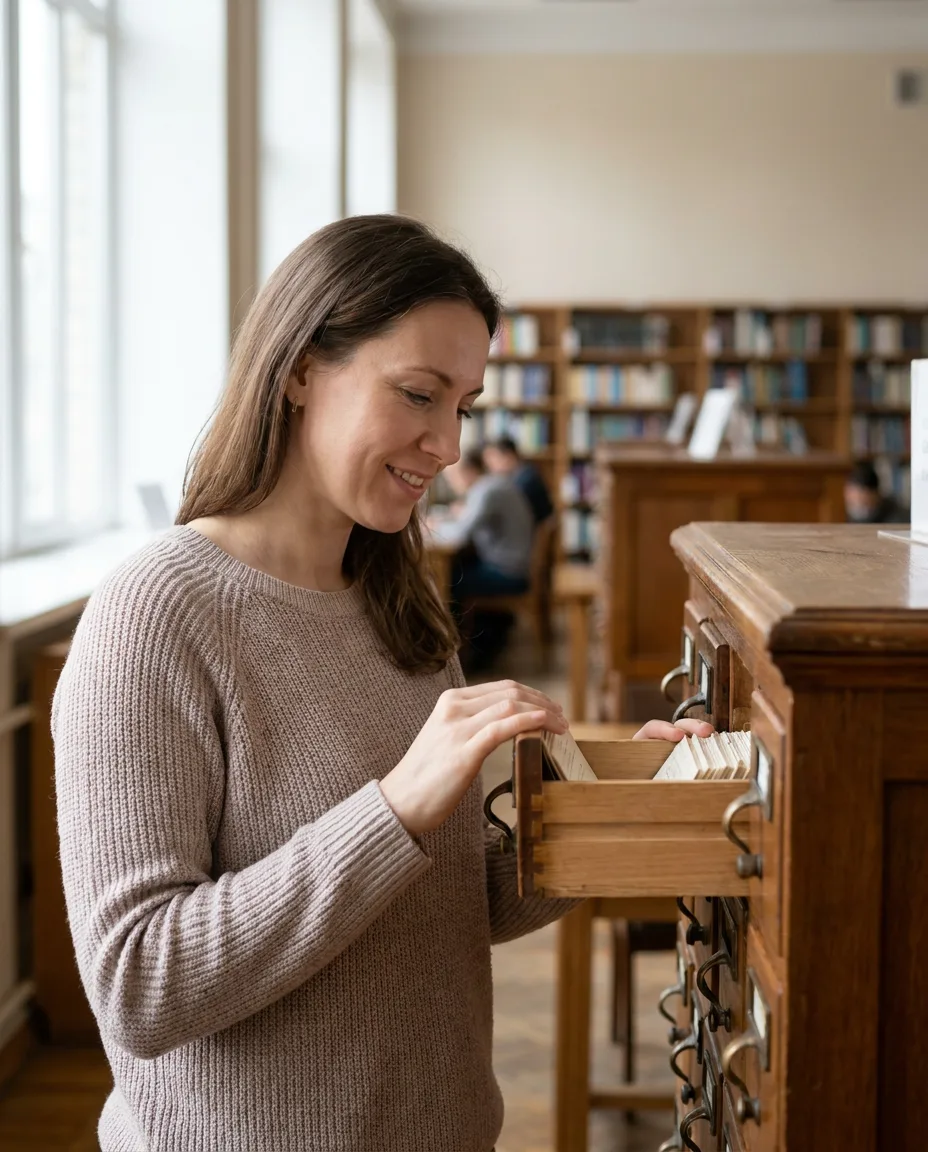
Example post: a woman looking through a card index drawer in a library
Username emma.carter

Can you search Instagram by username without an account?

Yes, for any username you know

Every Instagram account has one unique username, and its profile lives at that name. A viewer opens the profile from the username with no login. The header shows on every account; the rest opens when the account is public.

Key points
  1. 1

    A username is unique: one account holds it at a time.

  2. 2

    The display name is separate, can repeat across accounts and can hold spaces.

  3. 3

    Look-alike accounts copy a handle with one character changed or added.

  4. 4

    Searching for someone is not recorded for them, signed in or not.

What a search finds

One username, one profile.

An Instagram username is the handle after the @ sign. It is unique, so a search for an exact username leads to one account and no other. The profile at that name shows its header to everyone: picture, name, bio and counts.

When the account is public, the same search opens its posts, stories and highlights as well. When it is private, the header is all anyone outside the approved followers sees.

A username search shows

  • The profile picture, name and bio
  • The post, follower and following counts
  • Whether the account is public or private
  • A verified badge, where the account has one
  • The posts, stories and highlights of a public account
How it works

Find an account by username in three steps.

The same on a phone or a computer, with no Instagram login.

  1. 1

    Type the username

    Enter the handle exactly, without the @ sign. Capitals make no difference; spelling and every period or underscore do.

  2. 2

    Check it is the right one

    Compare the name, picture and counts with what you expect. A handle with one character more or less is a different account.

  3. 3

    Open the profile

    The public profile opens in the browser with its grid, highlights and the stories that are live.

Username rules

The rules every Instagram username follows.

Knowing them helps when a search finds nothing: the handle you typed may break one of them, or differ from the real one by a single character.

  1. Up to 30 characters

    A username can be at most 30 characters long. Anything longer is not a username, so a long phrase is more likely a display name.

  2. Four kinds of character

    Letters, numbers, periods and underscores. No spaces, no hyphens and no other symbols, which is why handles join words with a period or an underscore.

  3. Capitals do not count

    Usernames are not case-sensitive. EMMA.CARTER and emma.carter are the same handle, and Instagram shows it in lower case.

  4. Unique at any one time

    One account holds a username at a time. Two accounts can share a display name, never a username.

  5. Changeable by the owner

    An owner can change the username. The account keeps its posts and followers, and the old name stops leading to it.

30 characters

The longest a username can be

4 kinds

Of character: letters, numbers, periods, underscores

1 account

Holds a username at any one time

Name and username

The display name and the username are different things.

Most failed searches mix the two up. The username is the address; the display name is the label on the door.

UsernameDisplay name
Exampleemma.carterEmma Carter
Unique to one account Yes No
Spaces and any characters No Yes
Part of the profile's web address Yes No
Shown in bold at the top of the profileShown with the @ sign Yes
Matched by Instagram's own search Yes Yes
Opens the profile in a viewer YesOnly through a search
Look-alike accounts

How to tell the account you want from a copy.

Copies of well-known people, shops and creators exist, often to sell something or to ask for money. Five checks sort most of them out.

  1. Read the handle character by character

    A copy often adds a period, an underscore or a doubled letter, or a word such as official or real. emma.carter and emma.carter_ are two accounts.

  2. Look at the first posts

    Scroll to the bottom of the grid. An account that began recently with a handful of reposted photos is not the one that has posted for years.

  3. Compare the counts

    If you know the account has a large following, a copy with a small count and a large following list is not it.

  4. Follow a link you trust

    The surest route is the Instagram link on the person's or business's own website, email or card. It carries the real username.

  5. Read the comments

    Under a real account's posts, regular people talk to the owner and the owner replies. A copy's comments are often empty or all alike.

About this account

In the app, Instagram shows an About this account page for many accounts, with the date the account joined and its former usernames. A recent start under a famous name is a warning sign.

A copy that messages you

An account that writes to you first, under a known name, asking for money, a code or a password, is not the person it names. Report it in the app.

Verified badges

What the blue badge confirms.

A blue badge beside a username means Instagram has confirmed that the account belongs to the person or business it names. Badges come from two routes: Instagram's own review of notable accounts, and the paid Meta Verified subscription, which checks a government ID.

So a badge settles which account is the real one. It does not say that the account is famous, and it says nothing about whether its posts are accurate. Most real accounts have no badge at all, so the absence of one is not a warning on its own.

With a badgeWithout a badge
Identity confirmed by Instagram YesNot checked
Can be a copy of someoneNoPossible, check the handle
Means the account is famousNot necessarily—
Common among ordinary accounts No Yes
Public or private

What a username search opens on each kind of account.

The search always finds the account. The privacy setting decides how far in you can go.

Public accountPrivate account
Username, name and bio Yes Yes
Profile picture Yes Yes
Post, follower and following counts Yes Yes
Verified badge, where there is one Yes Yes
Posts, reels and highlights YesApproved followers only
Stories YesApproved followers only
Follower and following lists YesApproved followers only
A private account's content stays closed.

Finding a private account by its username shows its header and nothing more. A site that offers its posts or stories is not telling the truth.

Who uses it

Why people search by username.

Emma CarterA card at a market
Example
The situation
Emma bought a ceramic bowl at a weekend market. The seller's card had a handle written on it in small print.
What they did
She typed the handle into a viewer, found two accounts that differed by one underscore, and picked the one whose posts showed the stall.
Daniel MoreauA supplier's name
Example
The situation
A wine supplier told Daniel the name of his business but not the handle.
What they did
Daniel searched the business name with the word Instagram, found the public profile, and checked it against the link on the supplier's website.
Claire DuboisA message from a known name
Example
The situation
Claire received a message from an account named after a designer she follows, asking her to pay for a giveaway.
What they did
She searched the designer's real username, saw it had sent nothing, and reported the copy in the app.
Lena HoffA handle that stopped working
Example
The situation
The link Lena kept for a dance teacher led to an empty page.
What they did
She searched the teacher's name, found the account under a new username, and saved the new link.
Can and cannot

What a username search is for.

A username search can

  • Open a public profile from its exact username
  • Show the header of any account, public or private
  • Help you compare look-alike handles side by side
  • Show a verified badge where the account has one

It cannot

  • Find an account from a phone number or email address
  • Open the posts or stories of a private account
  • Show a username's past owners
  • Follow or message anyone for you
Quick answers

Smaller questions about usernames.

Why does a search find nothing?

The handle may be misspelled, changed or deleted. Check periods and underscores, then search the display name instead.

Can two accounts have the same name?

The same display name, yes. The same username, never: one account holds a handle at a time.

Does a search show deactivated accounts?

No. A deactivated account is hidden until its owner returns, and its username leads nowhere meanwhile.

Stay safe

Three rules for any username search.

Never type your Instagram password

A username search needs the handle you are looking for and nothing else. A page that asks for your Instagram login is after your account.

Contact-lookup promises are false

A site that offers to find any account from a phone number or email address has no such list to read. Leave it.

Check before you trust

Before you buy from, pay or message an account, follow the link from its own website or another channel you already trust.

Questions

About username search.

Short answers to what people ask when they look for an Instagram account by name or handle.

How do I search for someone on Instagram by username?
Type the exact handle into a viewer, or open instagram.com followed by a slash and the handle. If the handle exists, the profile opens; if the account is public, everything on it opens too.
Can I search Instagram without an account?
Yes. A viewer opens a public profile from its username with no login, and search engines list many public profiles under the person's or the business's name.
Can I find someone on Instagram by their real name?
Often. Instagram's own search matches display names as well as usernames for signed-in people. With no account, the name and the word Instagram in a search engine finds many public profiles.
Will the person know I searched for them?
No. Searching for a username, and opening the profile it leads to, is not recorded for the person, whether you are signed in or not.
How can I tell a real account from a copy?
Check the handle letter by letter, the date of the first posts and the follower count you expect, and follow the link from the person's own website or another channel you trust. A badge, where there is one, confirms the account is theirs.
What does the blue badge mean?
Instagram has confirmed that the account belongs to the person or business it names. Badges come from Instagram's own review and from the paid Meta Verified subscription, so a badge confirms identity, not fame.
Why does a username that used to work no longer open?
The account may have changed its username, or it may be deactivated or deleted. A link carries the username, so a changed handle breaks old links while the account keeps its posts and followers.
Can I search for a private account?
Yes. The username, name, picture, bio and counts of a private account are public and show in search. The posts, stories and lists behind them stay closed.
Can I find an account from a phone number or email address?
Not through a viewer. A viewer works from a public username and does not look up phone numbers or email addresses.
Is this site part of Instagram?
No. UnseenProfile is an independent guide and is not affiliated with Instagram or Meta.
Ready when you are

Look first. Stay unseen.

Type a public username and open the viewer. No Instagram login on your side, no name on theirs.

A woman relaxing on a sofa, looking at her phone
Open the viewer